ArticlePaid Book Studio

Write your e-book. Publish it. Get paid when people read.

Book Studio is ArticlePaid’s writing and publishing suite. Draft chapters in your browser, release them as you go, lock premium chapters, and earn from reader views.

  • Earn from reader views on your chapters
  • Monetize with premium chapters you price yourself
  • Keep 100% of your copyright
Get started

Book Studio Access

Unlock our advanced suite to write, manage, and monetize your books. Choose how you want to gain access below.

Path 1: Organic

Earn Your Access

Free for organic users

Publish 30 approved articles and verify your account to permanently unlock the Book Studio. Book creation remains 100% free forever for organic users.

Fast track

Unlock Instantly

Path 2: Instant

Skip the line. Pay a one-time fee of $9.99 to unlock the Book Studio immediately. (Includes your first book slot entirely free!)

$9.99one-time
  • Full Book Studio Access
  • Monetize via Premium Chapters
  • First Book Creation Included
E-book time

Now is the time to write your e-book

Reading has moved to the screen in your pocket. People open a story on a commute, during a break or before bed, and when a chapter ends they want the next one. An e-book published chapter by chapter fits that habit far better than a manuscript waiting in a drawer.

Publishing an e-book online used to mean finding an agent, waiting for a publisher or paying for formatting and design. With ArticlePaid Book Studio you write, publish and update your book in one place, and readers can discover it in the library as soon as it is live.

Because you can release chapters as you go, you get feedback while you write. Ratings, bookmarks and returning readers show you what is working, so every new chapter can be stronger than the last. If you have been thinking about writing a book, the best time to start is today.

Start your e-book
No gatekeepersYou decide what to write and when to publish it.
Publish as you writeRelease one chapter at a time and grow your readership as the story unfolds.
Earn as readers arriveReader views and premium chapters add to your ArticlePaid wallet.
Benefits for writers

Why writers publish e-books on ArticlePaid

Whether you write novels, guides or poetry-length serials, Book Studio gives you the tools and an audience of readers who are already here to read.

Earn from every read

Readers viewing your chapters add to your balance, so your book can keep earning while you work on the next one.

Price your own premium chapters

Choose which chapters are free and which are premium, and set the price. You control how your story is monetized.

Keep your copyright

Your book remains yours. Publish on ArticlePaid, and take it down whenever you choose.

Write at your own pace

No deadlines from a publisher. Save drafts, publish when a chapter is ready, and keep your book ongoing as long as you like.

Build a following

Every book links to your author profile, so readers who enjoy one chapter can find the rest of your work.

Grow with your articles

Already writing on ArticlePaid? Your articles and books live under one profile, so readers of one can discover the other.

Get discovered in the library

Readers browse by genre, rating and release date. A good title, cover and synopsis put your book in front of them.

Write in your language

Right-to-left scripts such as Urdu, Arabic and Persian are supported, so your readers get a proper reading experience.

No agent, ISBN or publisher

Skip the queries and waiting. All you need is your manuscript and Book Studio access.

What you get

Everything you need to write and sell an e-book

One workspace for writing, publishing and earning, with no design or technical skills required.

Browser-based writing

Write directly in Book Studio or paste from Word or Google Docs. Organize and reorder chapters as your story grows.

Chapter-by-chapter publishing

Release chapters as you finish them. Readers can follow along, and you can mark your book ongoing or completed.

Premium chapters

Lock any chapter and set its price. Keep early chapters free to attract readers, and monetize the rest.

Cover, genre and details

Add your cover, synopsis and genre so readers can find your book in the ArticlePaid library.

Right-to-left languages

Urdu, Arabic and Persian display correctly for you and your readers.

Built-in readers

Every book gets a public page where readers can rate, bookmark and share it with others.

How it works

From first draft to first reader in four steps

  1. Get Book Studio access

    Earn it with 30 approved articles and a verified account, or unlock it instantly for $9.99.

  2. Create your book

    Add a title, genre, synopsis and cover. Choose whether the book is free or premium.

  3. Write and publish chapters

    Publish chapters when they are ready. Keep some free and lock others as premium.

  4. Share and earn

    Share your book link. Earnings are added to your wallet as readers view and unlock your chapters.

Who it is for

If you have a story or expertise to share, write the book

You do not need to be a professional author. You need an idea worth reading and the habit of finishing chapters.

Novelists and storytellers

Romance, thriller, fantasy or drama: serialize your novel and let readers follow it chapter by chapter.

Bloggers and journalists

Turn your best articles and research into a longer book that readers can keep coming back to.

Experts and teachers

Write the how-to guide, course companion or self-help book that only your experience can produce.

Urdu, Arabic and Persian writers

Publish in your own language with proper right-to-left reading for your audience.

First-time authors

Start small with one chapter, learn from reader response and build your confidence as you go.

Practical guide

How to write and publish an e-book online

A simple plan for new authors who want to self-publish a book, find readers and earn from their writing.

1. Start with one clear idea and one reader

The easiest books to finish are written for a specific reader. Before you write, answer two questions: who is this book for, and what do they get from reading it? A thriller reader wants tension and a twist. A self-help reader wants a result. Keep that reader in mind and your outline, tone and chapter endings will all get sharper.

2. Outline your chapters before you write them

An outline does not need to be long. A list of chapter titles with one sentence each is enough to keep your story or argument moving. Outlines make it far easier to publish an e-book chapter by chapter, because you always know what the next chapter has to do.

3. Write on a schedule you can keep

Serialized books grow when readers know when to expect more. Choose a rhythm that fits your life, such as one chapter a week, and stick to it. Consistency matters more than speed, and readers who return for each chapter are the ones who rate, bookmark and share your book.

4. Make your first chapters free, then add premium chapters

Readers decide quickly whether to stay with a new author. Many writers keep the opening chapters free so people can try the story, then lock later chapters as premium and set a price. With Book Studio you choose which chapters are free and which are premium, so you can test what works for your book.

5. Give your book a title, cover and synopsis that sell

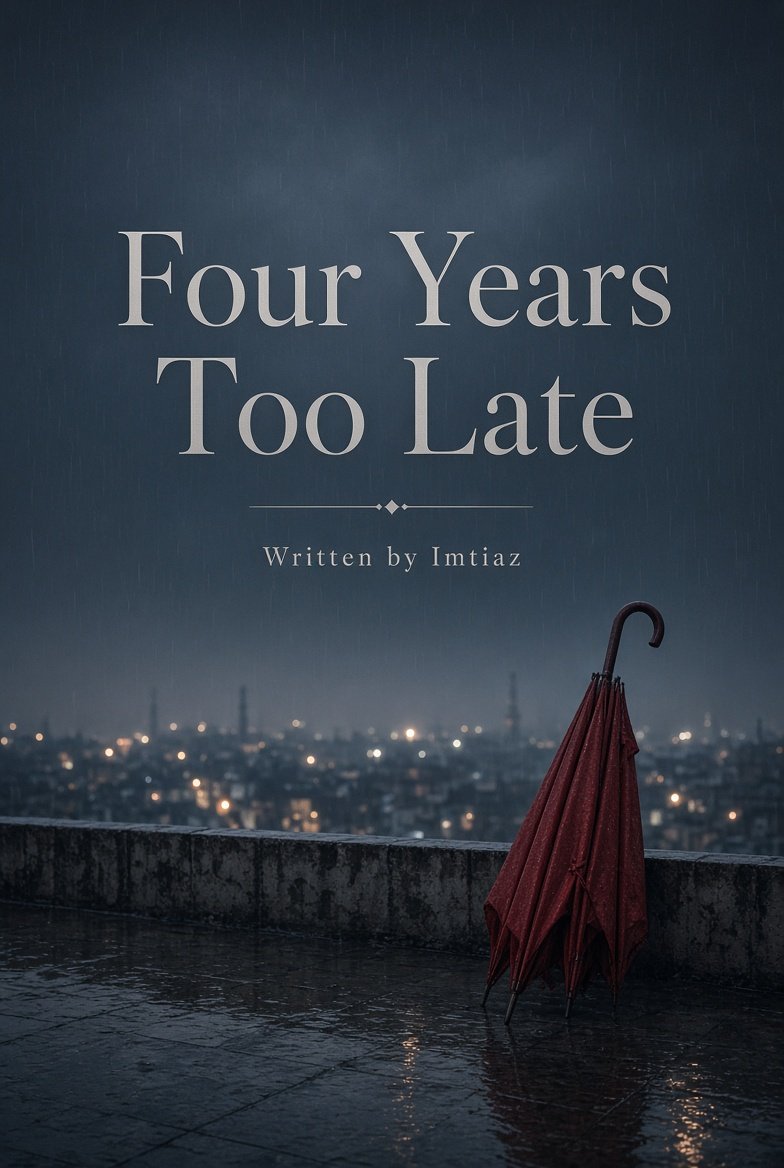
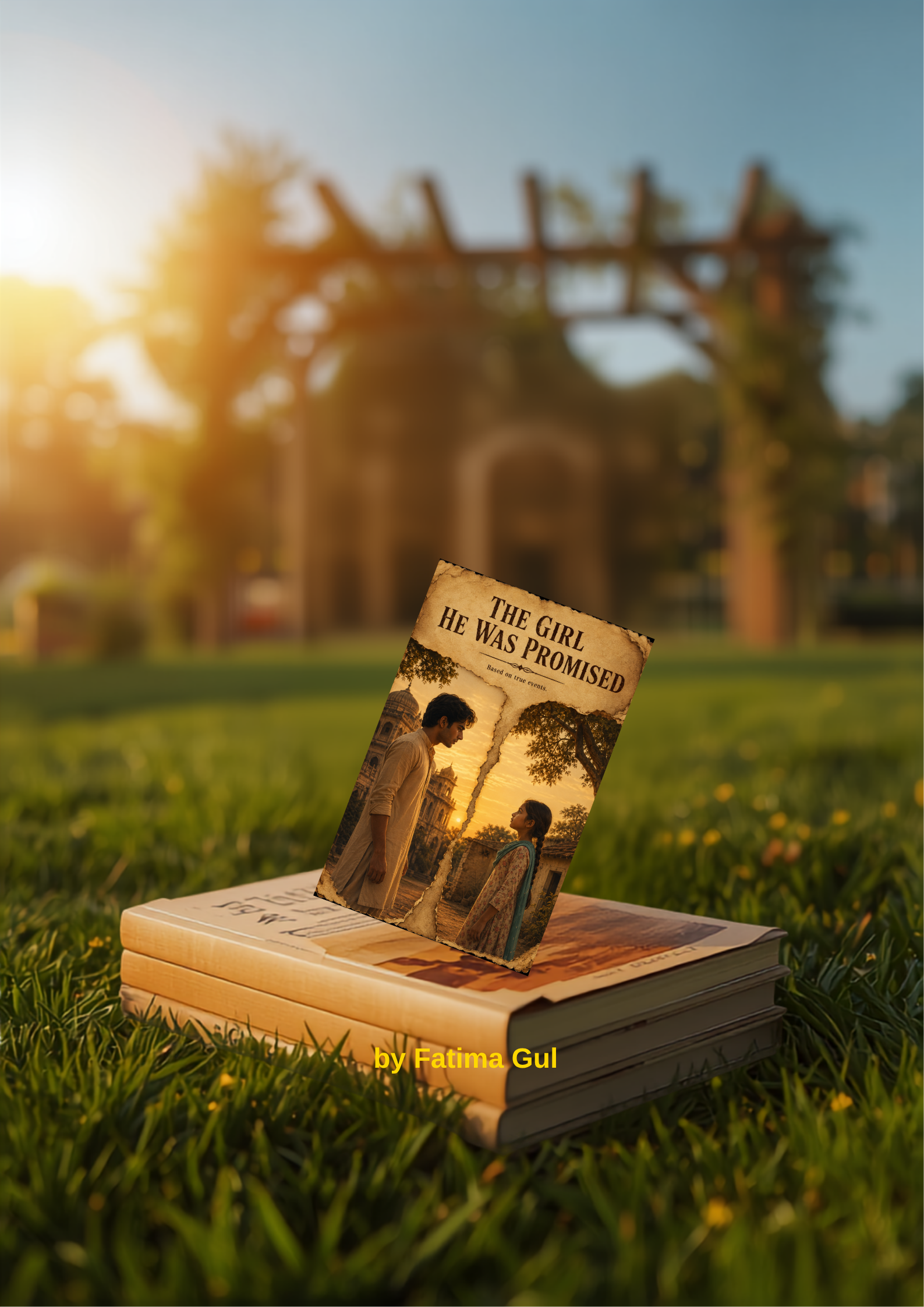
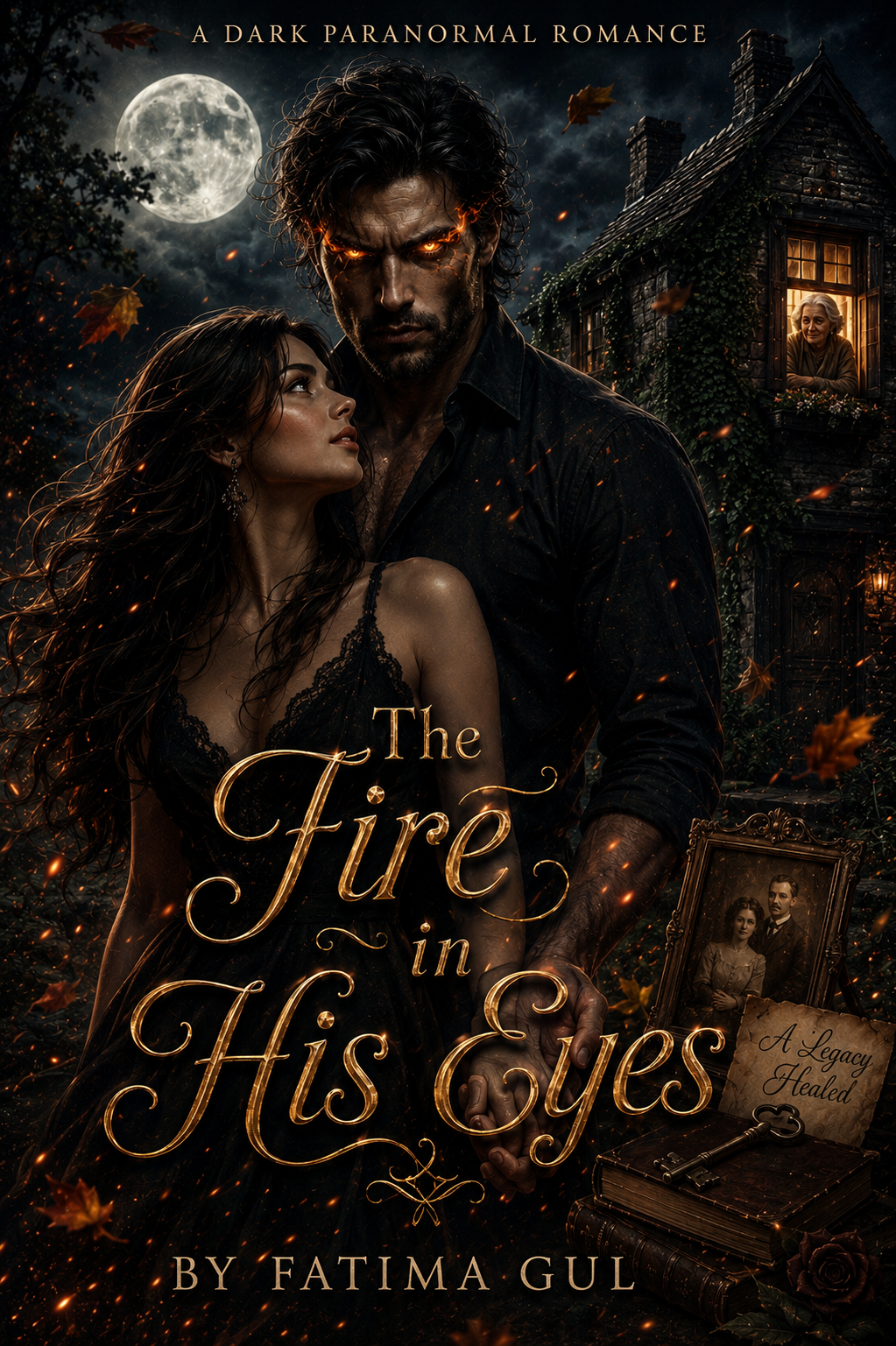
In the library, readers see your cover, title, genre and a short description before anything else. Choose a title that tells readers what to expect, a cover that matches your genre, and a synopsis that explains the hook in a few clear sentences. Pick the right genre so readers who love that kind of story can find you.

6. Share your book link and keep publishing

Every book has its own public page. Share it with friends, on social media and with readers of your articles. Then keep going: each new chapter gives returning readers something to open and gives new readers another way in. Books that keep updating tend to build the most loyal readership.

How long should a chapter be?

There is no required length. A common range for online serialized books is 1,000 to 3,000 words, which most people can read in a single sitting. Choose a length that you can deliver consistently and that ends on a moment that makes readers want the next chapter.

Quick checklist before you publish

  • Your book has a clear title, genre and synopsis
  • Your cover matches the type of story or guide you wrote
  • Your first chapters are polished and easy to start
  • You know which chapters will be free and which will be premium
  • You have a realistic publishing schedule
Compare

Traditional publishing vs ArticlePaid Book Studio

Self-publishing your e-book online puts the decisions in your hands. Here is how the two routes differ in general.

General differences between traditional publishing and publishing with Book Studio
 Traditional publishingArticlePaid Book Studio
Who decides to publishUsually an agent and a publishing houseYou, when your chapter is ready
Time to reach readersOften many months or longerAs soon as you publish a chapter
OwnershipRights are often licensed to the publisherYou keep your copyright
Reader feedbackMostly after the book is releasedChapter by chapter, through ratings and returning readers
How you get startedQuery letters and submissions30 approved articles, or a one-time $9.99 unlock
Earnings

Two ways your book earns

Reader views

As readers open your chapters, earnings are credited to your ArticlePaid wallet.

Premium chapters

Set a price on chapters you want to monetize directly. Readers unlock them to continue the story.

Withdraw from your wallet

Request a withdrawal from your account using the payout options available in your wallet.

Your work stays yours

You do not need an agent, a publisher or an ISBN to publish on ArticlePaid. You need your manuscript and Book Studio access.

You keep full copyright. ArticlePaid hosts and distributes your book, and you can remove it whenever you choose.

Published books appear in the ArticlePaid library, where readers discover new titles by genre, rating and release date. Chapters you release regularly give readers a reason to come back.

Choose your access path

Your first chapter is the hardest one. Start it today.

Every book on ArticlePaid began with a single chapter. The writers readers love are the ones who started, kept going and finished.

Choose your access path
FAQ

Questions before you publish

How do I get access to Book Studio?

There are two ways. Publish 30 approved articles and verify your account to unlock Book Studio permanently, or pay a one-time fee of $9.99 to unlock it instantly. The instant option includes your first book slot.

Is Book Studio really free for organic users?

Yes. If you earn access by publishing 30 approved articles and verifying your account, book creation stays free for you permanently.

What counts as an approved article?

An article you wrote on ArticlePaid that passed review and is published on the site. Drafts, pending and rejected articles do not count toward the 30.

How do I earn money from my e-book?

You earn from reader views of your chapters. You can also lock chapters as premium and set their price so readers pay to unlock them. Earnings are added to your ArticlePaid wallet.

Can I withdraw my earnings?

Yes. Earnings are added to your wallet balance, and you can request a withdrawal from your account using the payout options shown there.

Do I keep the copyright to my book?

Yes. You keep full ownership of everything you publish. ArticlePaid hosts and distributes your book, and you can remove it at any time.

Can I write in Urdu, Arabic or Persian?

Yes. Right-to-left scripts are supported, so Urdu, Arabic and Persian text displays correctly for you and your readers.

Do I need an ISBN, an agent or a publisher?

No. You only need an ArticlePaid account with Book Studio access and your manuscript.

Can I publish my e-book chapter by chapter?

Yes. You can publish chapters as you finish them and mark your book as ongoing, then change it to completed when the story ends. Readers see new chapters as soon as you publish them.

How long should each chapter be?

There is no fixed rule. A common range for online serialized books is 1,000 to 3,000 words, which most readers finish in one sitting. Pick a length you can publish consistently.

What kinds of books can I publish?

Fiction and non-fiction in any genre available in the library, such as romance, thriller, fantasy, self-help and literary fiction, as long as your book follows ArticlePaid content rules.

Can I make my book or some chapters free?

Yes. You decide whether a book is free or premium, and you can lock individual chapters and set their price. Many authors keep the first chapters free so new readers can try the story.

Your story deserves readers. Your writing deserves to earn.

Earn Book Studio access with your articles, or unlock it instantly for $9.99 and start your first book today.