
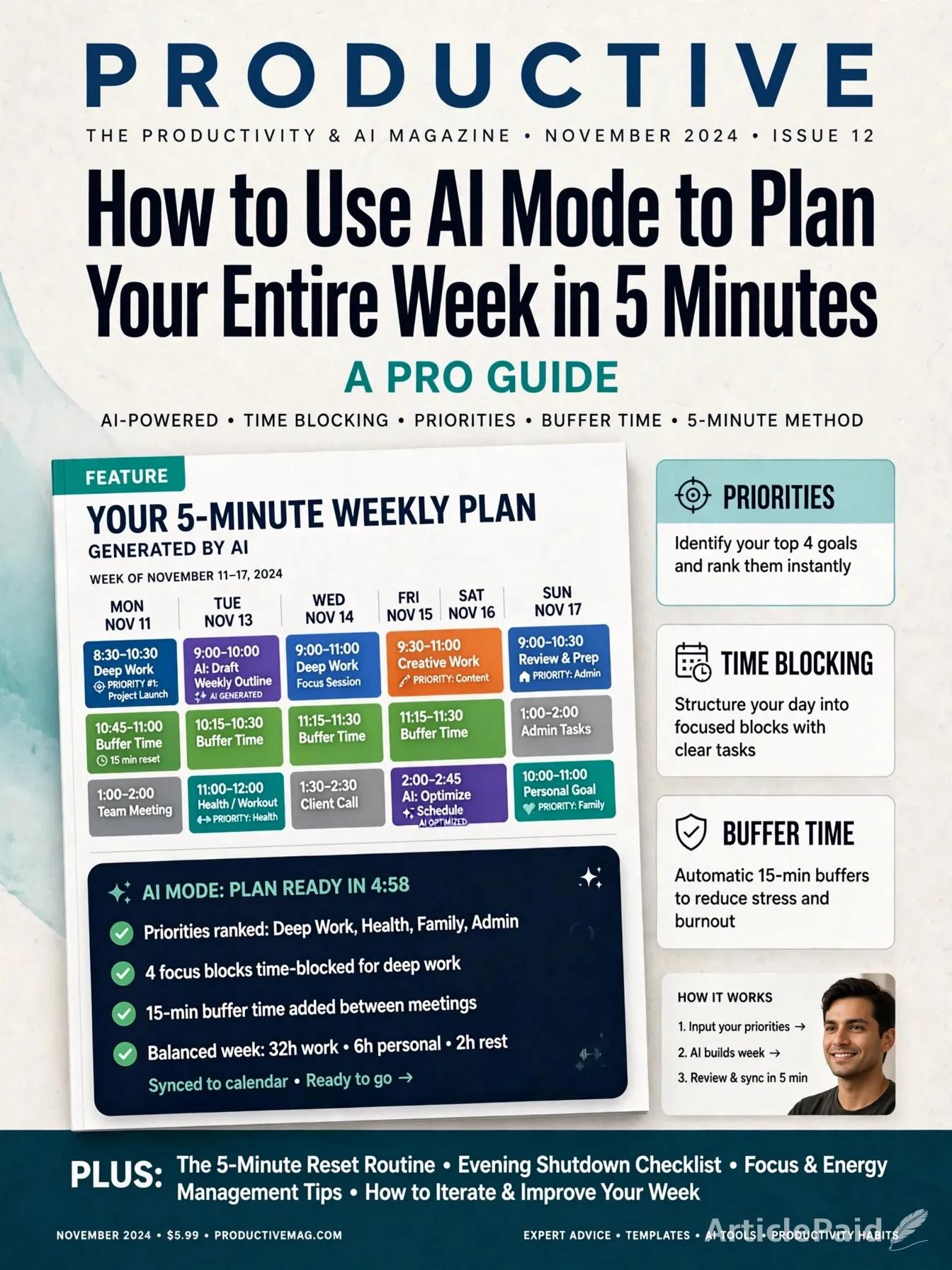
Asking AI Mode to generate a list of your week’s priorities may help build a realistic weekly plan out of them in minutes
Prompt 1: Describe the Necessary Weekly Accomplishments

In this step, you should provide the AI with a list of tasks that you need to accomplish during the week. It may include regular activities (work, attend classes), upcoming performances, tests, meetings, and appointments. You can also prompt the AI to incorporate your personal priorities, interests, hobbies, chores, and other commitments.
An illustrative example of such a prompt could be: “Build a realistic schedule for me for the week. I work from 9 to 5, need to workout 3 times, have two appointment. I want to do some shopping and have a few hours of free time per week.”
Prompt 2: Set the Weekly Schedule Based on the Above Accomplishments in Accordance with Time Constraints and Personal Priorities
You can ask AI Mode to design your weekly schedule according to the previously set priorities while considering time constraints. Prompt the AI to sort your tasks based on their importance, time required, and deadlines. In addition, you could specify when you will do particular tasks or provide a rough structure of your week.
An example of such a prompt could be: “Make sure to set my weekly schedule in accordance with time constraints and personal priorities. I want to separate work, personal activities, and free time, leaving enough space between them.”
You Might Also Ask the AI to Build in Some Buffer Time Between Different Types of Activities and avoid holding several stressful or time-consuming tasks at once.
Prompt 3: Refine the Weekly Schedule to Make Sure That It Is Flexible Enough to Allow You to Do Everything Set Therein
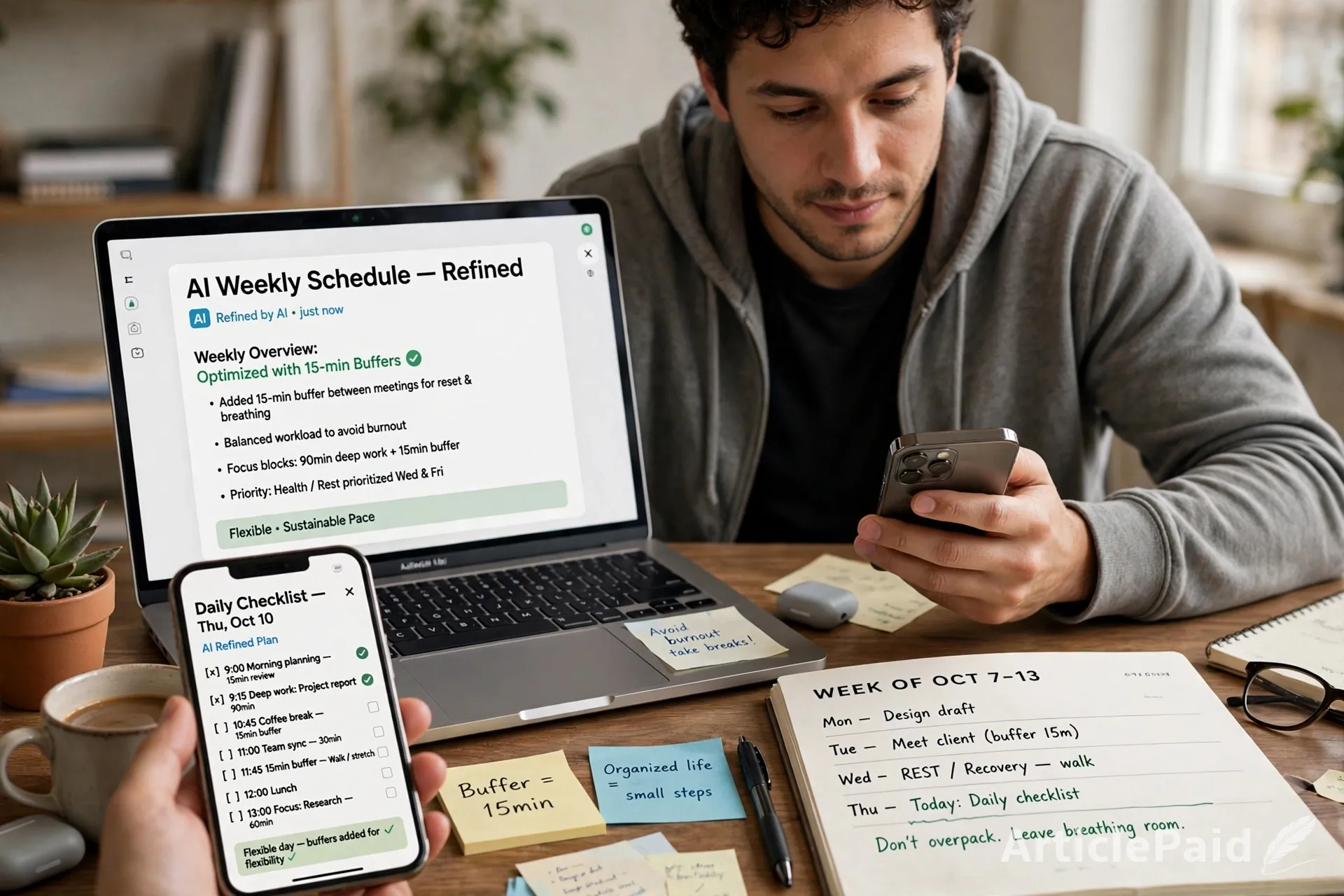
You should ask the AI to make your weekly plan realistic and flexible. Discuss buffer time and task combinations that the AI added and ask the AI to explain its reasoning. You could also prompt the AI to consider time required for various types of activities, ask to combine similar tasks where applicable. Delegate, postpone, or eliminate tasks if possible.
Prompt 4: Ask the AI to Break Down the Weekly Schedule Into a Daily Plan or Checklist
You can ask AI Mode for help to break down your weekly plan into days or even hours. This will help increase the likelihood of following the generated plan. A sample prompt could be: “Break my weekly schedule into a daily plan/checklist.”























Responses (3)
Sign in to share your thoughts.
Sign in