How to Handle Customer Complaints in a Small Online Business


How to Handle Customer Complaints in a Small Online Business
Introduction
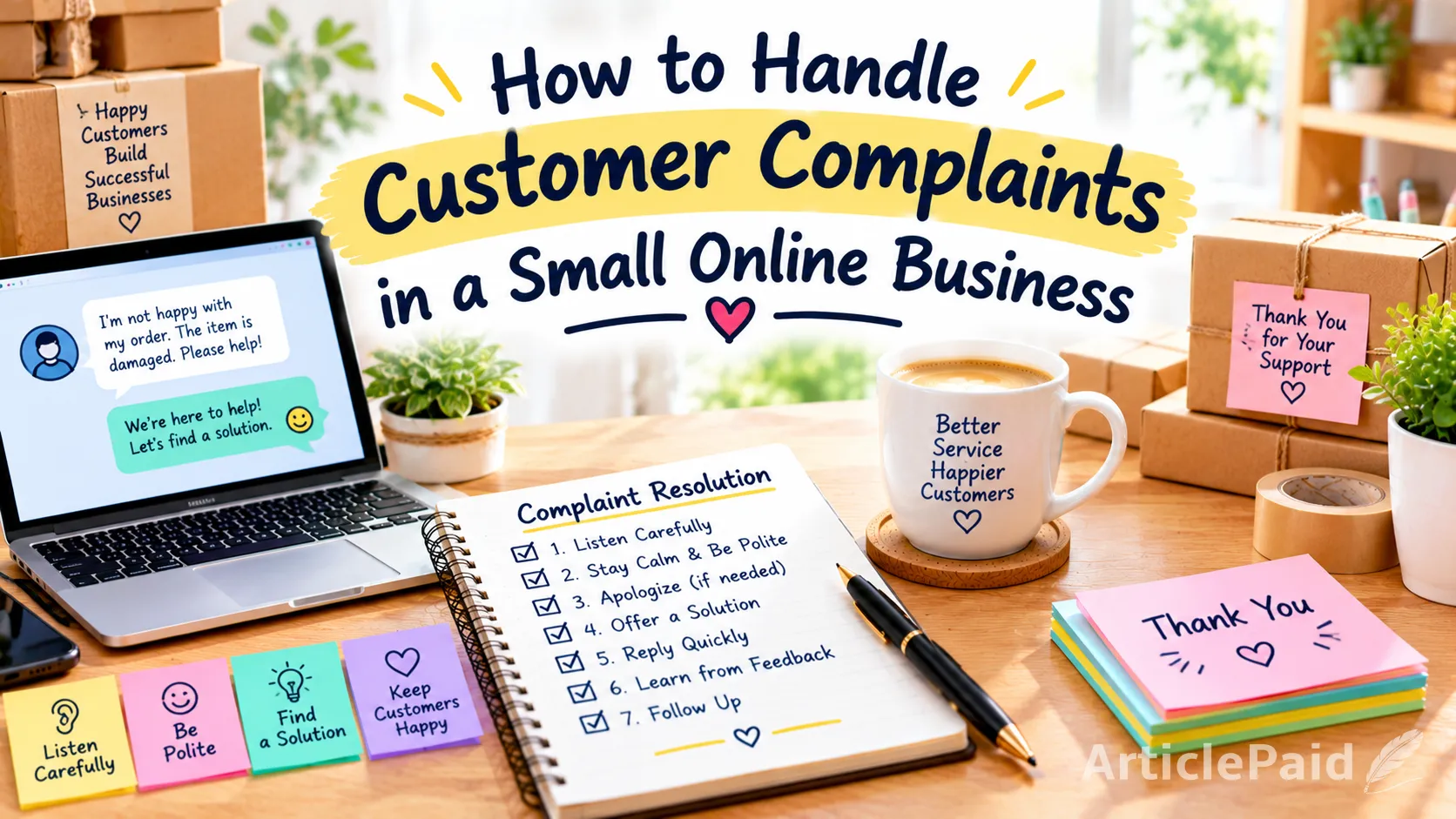
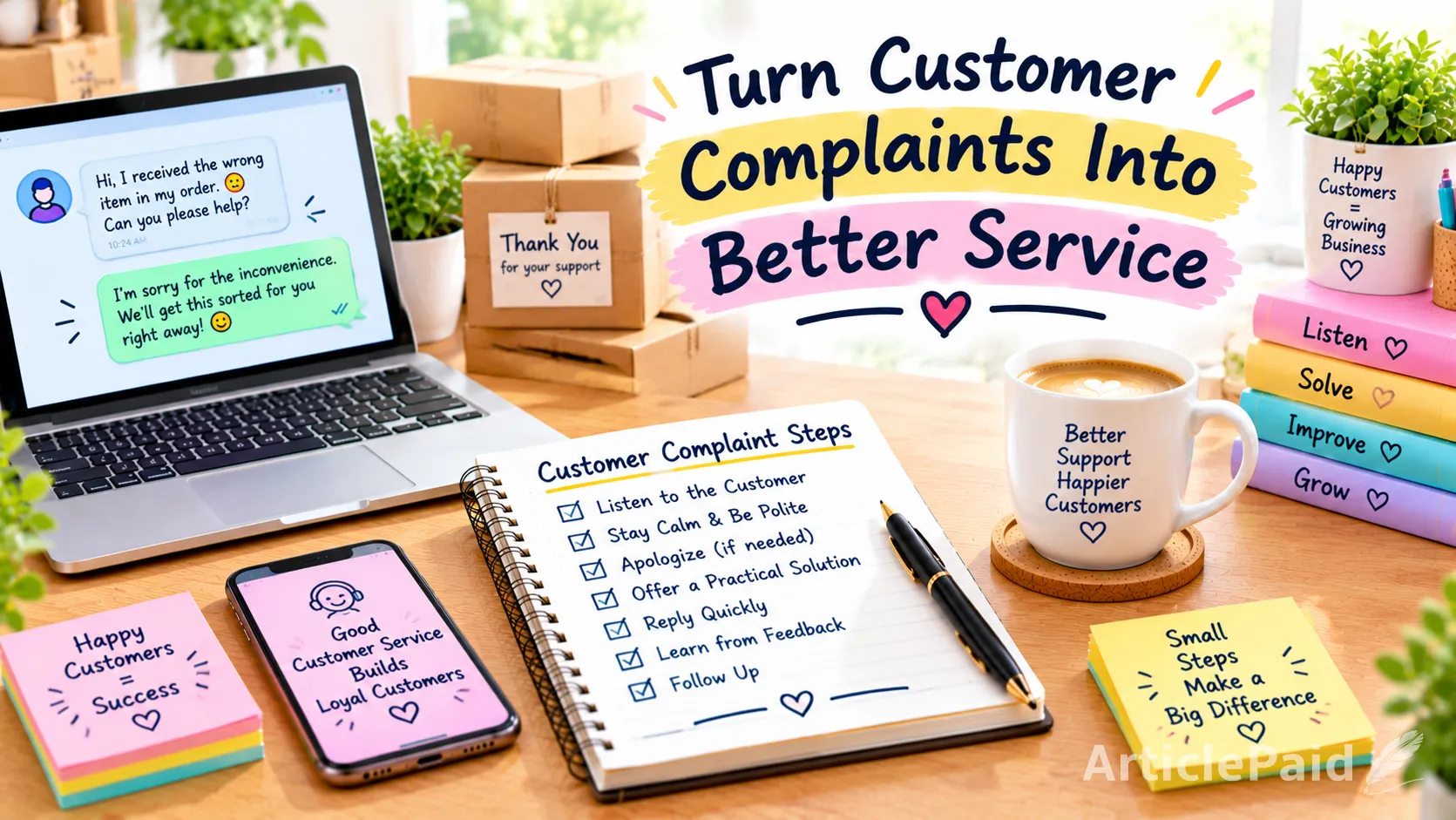
Every business gets complaints sooner or later, even the best ones. For a small online business, how you handle a complaint matters a lot, because one unhappy customer can easily share their experience with others. The good news is that a complaint can also be a chance to build trust. In this post, we'll look at seven simple ways to handle customer complaints calmly and professionally.
1. Listen to the Customer Carefully
Before you reply, read the message fully and try to understand what the real problem is. Sometimes customers are upset about something different from what they first mention. Let them explain without interrupting or arguing. When people feel heard, they often become calmer right away.
2. Stay Calm and Be Polite
Some complaints may sound angry or unfair, but replying in the same tone will only make things worse. Take a moment before answering, and keep your words respectful and professional. A calm reply shows that you take your business seriously. It also helps you focus on solving the problem instead of winning an argument.
3. Apologize When Appropriate
If the mistake was on your side, say sorry in a simple and honest way. A genuine apology shows that you respect the customer and take responsibility. You don’t need long excuses or explanations. A short, sincere apology can do a lot to repair trust.
4. Offer a Practical Solution
After listening and apologising, tell the customer how you plan to fix the problem. This could be a replacement, a refund, or another fair option that suits the situation. Be clear about what you can do and how long it will take. A real solution matters more to customers than words alone.
5. Reply to Complaints Quickly
Waiting too long to respond can make a small problem feel much bigger. Even if you don’t have the full solution yet, send a quick message to let the customer know you’re working on it. Fast replies show that you care and that your business is reliable. Customers are usually more patient when they feel they haven’t been ignored.
6. Learn From Customer Feedback
Complaints can show you what needs to be improved in your product or service. If the same problem comes up again and again, it’s a sign that something needs to change. Take note of these patterns and use them to improve. Over time, this makes your business stronger and reduces future complaints.
7. Follow Up After Solving the Problem
Once the issue is fixed, check in with the customer to make sure they are happy with the solution. A short, friendly message is enough. This shows that you truly care about their experience, not just about ending the complaint. Many customers remember this extra effort and may even return to buy again.
Conclusion
Handling complaints well is an important part of running a small online business. By listening, staying calm, and offering real solutions, you can turn a bad experience into a good one. Learn from every complaint and follow up with your customers. When people see that you care, they’re more likely to trust you and stay with your business.












Responses (0)