
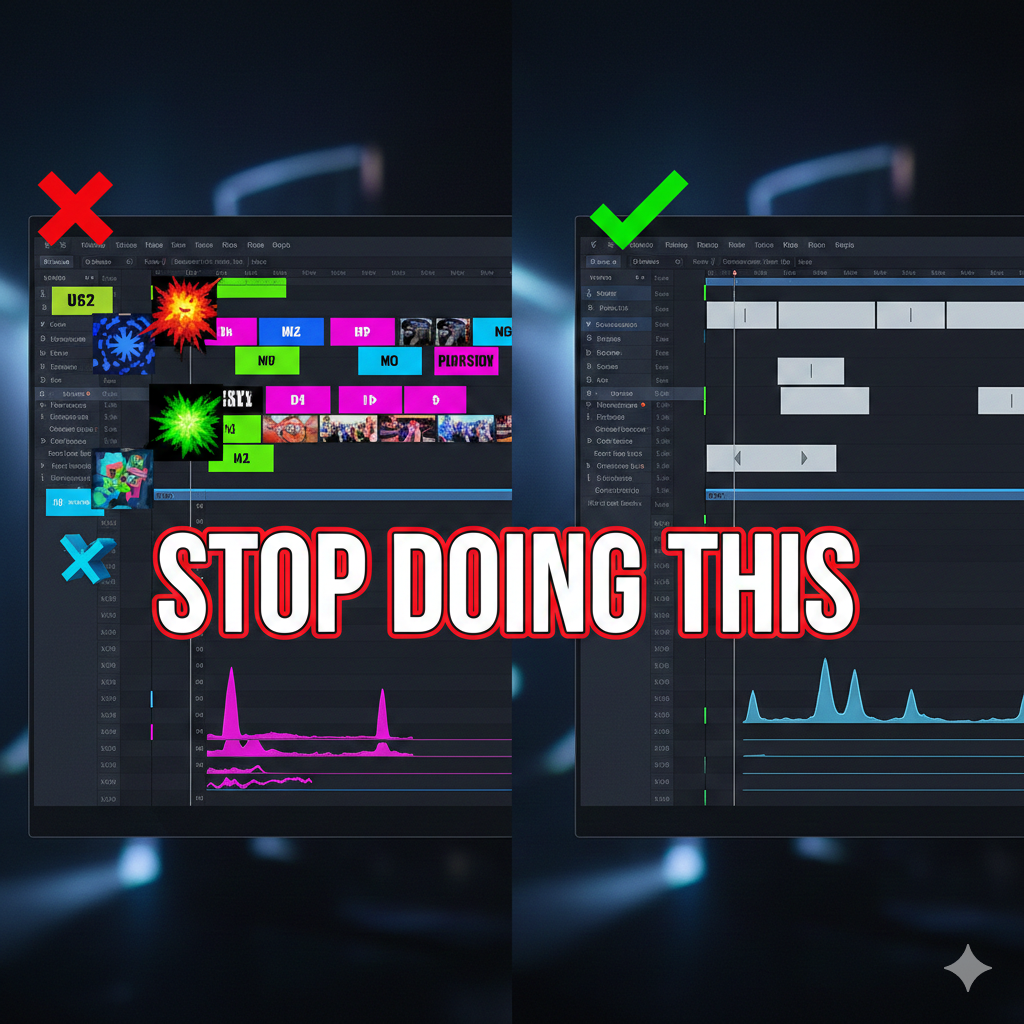
Video editing is often about what you don't see. When a cut is seamless, the audience stays immersed; when it’s clunky, they’re jolted out of the experience.
Here are the critical pitfalls to avoid to keep your edits polished and professional.
1. The "Jump Cut" (By Accident)
Unless you’re going for a specific YouTube vlog style or a frantic montage, avoid cutting  between two shots that are nearly identical in framing.
* The Fix: Use the 30-degree rule. Only cut to a new angle if it is at least 30 degrees different from the previous one, or change the focal length (e.g., moving from a medium shot to a close-up).
2. Pacing Without "Breath"
Cutting too fast can exhaust your viewer, but staying on a static shot for too long can bore them.
* The Fix: Let the action finish. If someone is exiting a room, don’t cut the millisecond their nose touches the edge of the frame; let them fully clear the space unless the scene demands high-octane energy.
3. Ignoring Audio Transitions
Audio "pops" occur when you cut a clip at a point where the waveform isn't at zero. Even worse is a sudden silence between clips.
* The Fix: Use constant power fades or tiny crossfades (even just 2-3 frames) to smooth out audio transitions. Always include "room tone" or a subtle background track to bridge the gaps.
4. Poor Color Consistency
Nothing screams "amateur" like a scene where the protagonist's shirt changes from navy blue to teal because the white balance shifted between shots.
* The Fix: Use scopes (Lumetri, etc.) to ensure your blacks, whites, and skin tones match across the entire scene, regardless of the lighting changes during filming.
5. Overusing Flashy Transitions
The "Star Wipe" or aggressive 3D flips usually distract from the story. If the content is good, you don't need a digital explosion to get to the next scene.
* The Fix: Stick to hard cuts and cross-dissolves for 95% of your work. Use stylized transitions only when they serve a specific narrative purpose (like a time jump).
6. Disregarding the "Rule of Thirds" in Re-framing
When cropping or scaling footage in post, beginners often center the subject's eyes perfectly in the middle of the frame, leaving too much "dead air" above the head.
* The Fix: Keep the subject’s eyes on the upper horizontal third line to maintain a natural, cinematic look.
Quick Summary Checklist
| Avoid This | Do This Instead |
|---|---|
| Flashy Transitions | Simple Cuts / J-Cuts / L-Cuts |
| Abrupt Audio Ends | Subtle Fades / Room Tone |
| Empty "Headroom" | Follow the Rule of Thirds |
| Random Pacing | Edit to the beat or the emotional arc |
Would you like me to explain how to execute a J-cut or L-cut to make your dialogue scenes feel more natural?



















Responses (0)
Sign in to share your thoughts.
Sign in