What Happens To Your Data After You Delete An App? Reality I Found

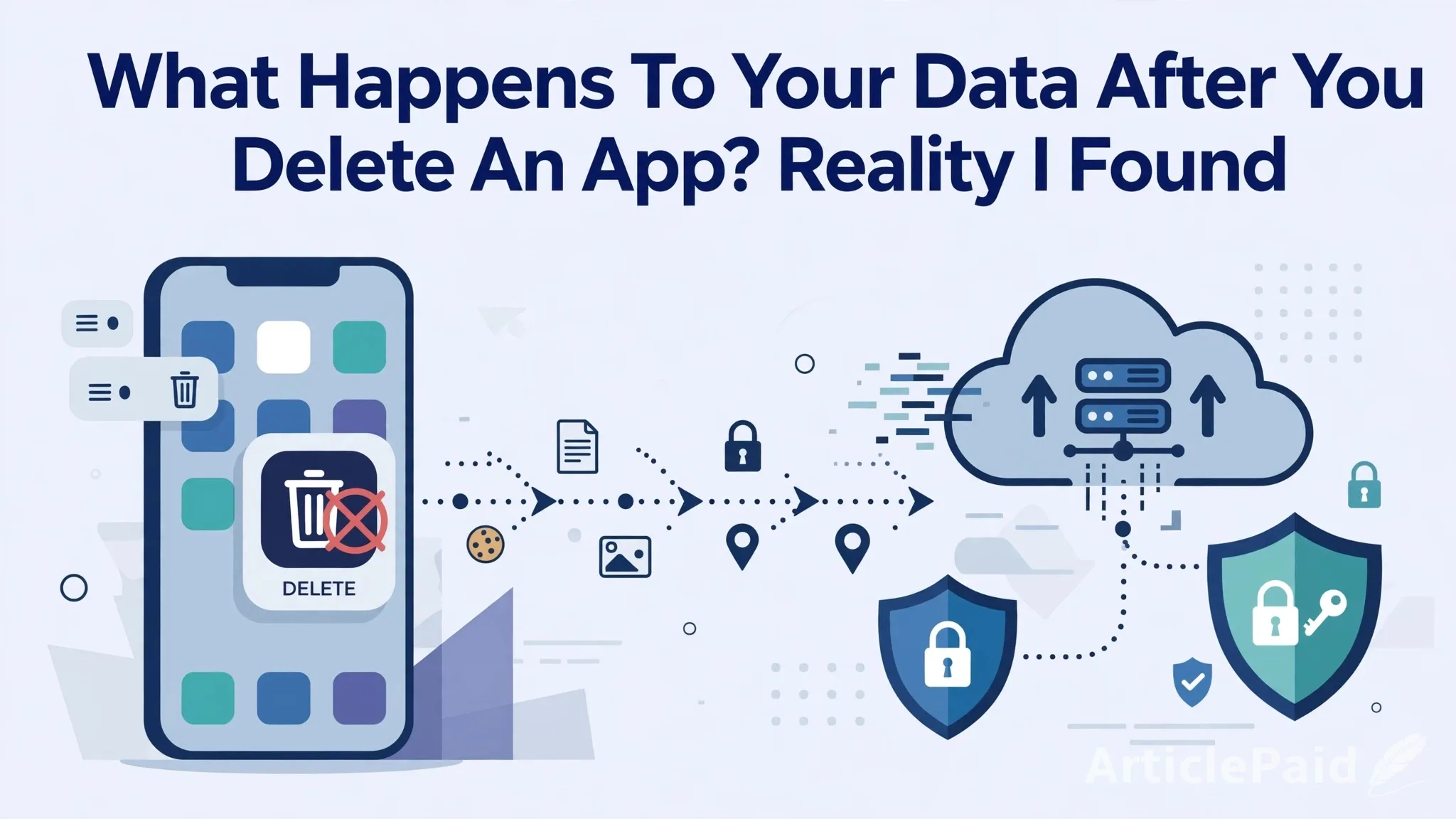
Have you ever deleted an app and thought your data is gone forever? I also thought the same until last week. I deleted a shopping app from my phone thinking everything is finished. But when I reinstalled it after 2 days, I was shocked to see my full order history and my address was still there. That experience made me research what actually happens to data after deleting an app.
1. Deleting App is Not Deleting Your Account
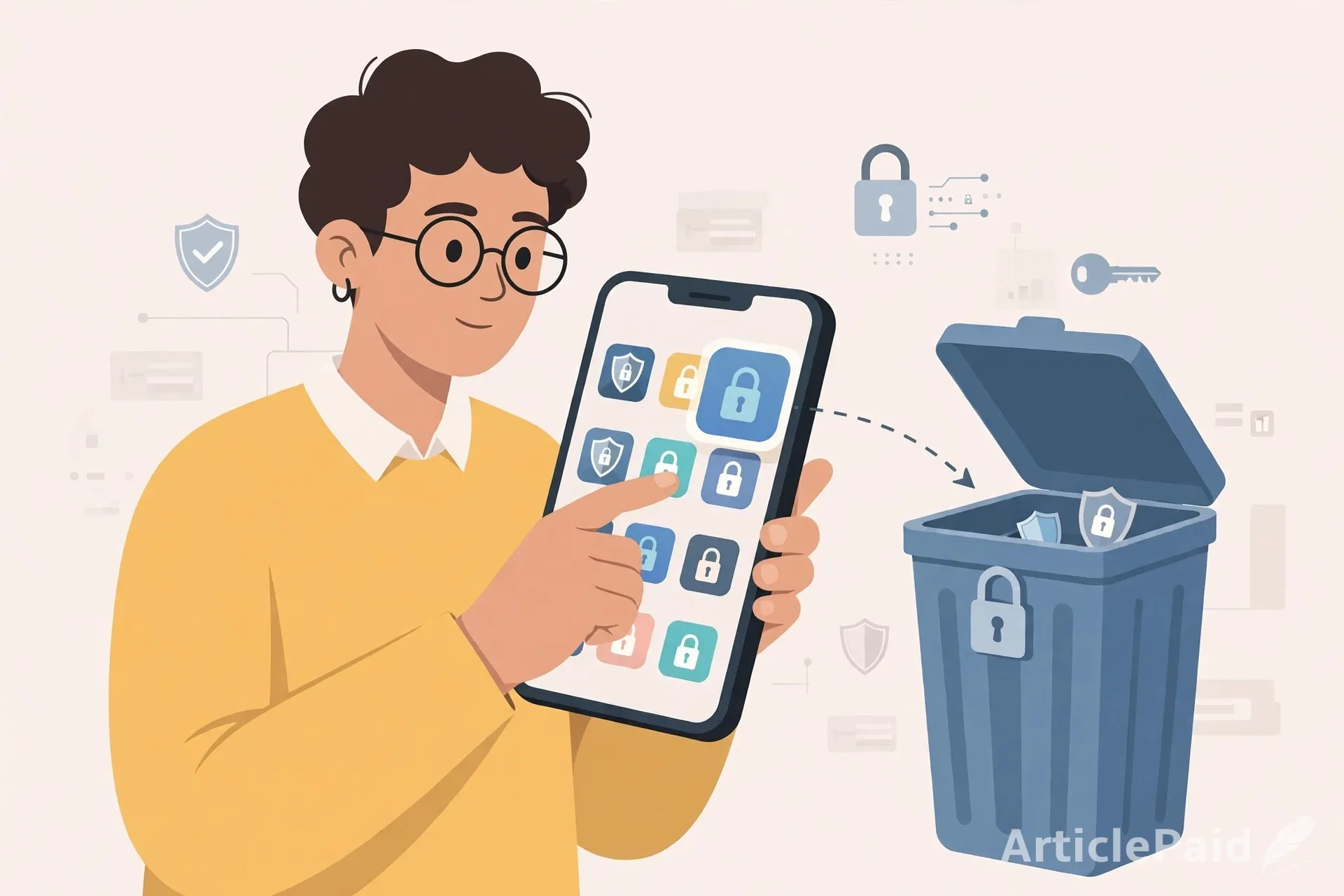
An app and an account are two different things. When you uninstall an app, you only remove its software from your phone. But your account may remain active on the company's servers. Your name, email, password, and preferences may still be saved there.
2. Your Personal Data is Still on Their Servers
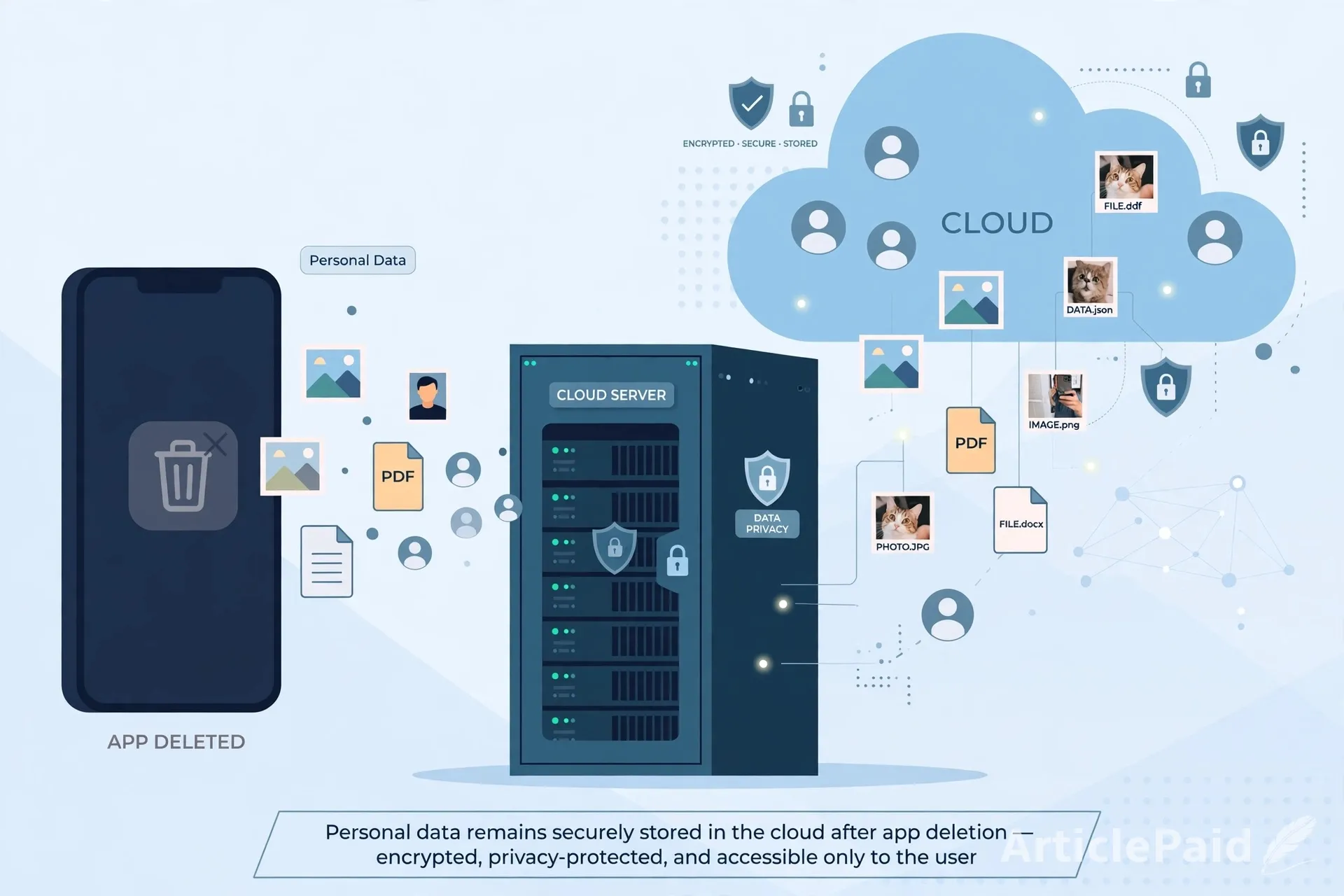
Many apps save data on cloud servers, not just on your phone. They may collect your name, location, search history and preferences. So even if the app is deleted from your phone, some of that data may still be stored on the company's servers. However, this depends on the app, the type of data, and its data-retention policy. Some information may be deleted automatically, while other information may be kept for a longer period due to legal or business requirements.
3. What About Your Photos and Files?
Many apps allow uploading photos and documents. These files may be stored in cloud storage. Deleting the app does not necessarily delete them from the server. To remove them, you may need to delete them from inside the account settings or contact the service provider.
4. Why Do Companies Keep Data?
There are some genuine reasons. Companies keep data to maintain payment records, to prevent fraud, to solve customer complaints, and because of legal and financial requirements. But they should clearly mention this in their privacy policy.
5. How To Protect Your Personal Information?
To keep your data safe, follow these steps:
- Always delete your account first from Settings, then uninstall the app.
- Check privacy settings and remove extra permissions like location and contacts.
- If you uploaded photos, delete them from cloud storage before deleting your account.
- Read the data deletion policy one time.
- Never give personal information to apps that don't need it.
Conclusion
Deleting an app is not always the end of your data. Some information may still be stored on company servers and cloud backups, depending on the app's policies. The best way is to understand the difference between uninstalling an app and deleting an account. Being careful about what you share online can help protect your digital privacy.










Responses (1)